Customers
Your customer list is everyone who books with you. It powers the customer picker when you create a booking, and it's where you keep names, contact details and notes.
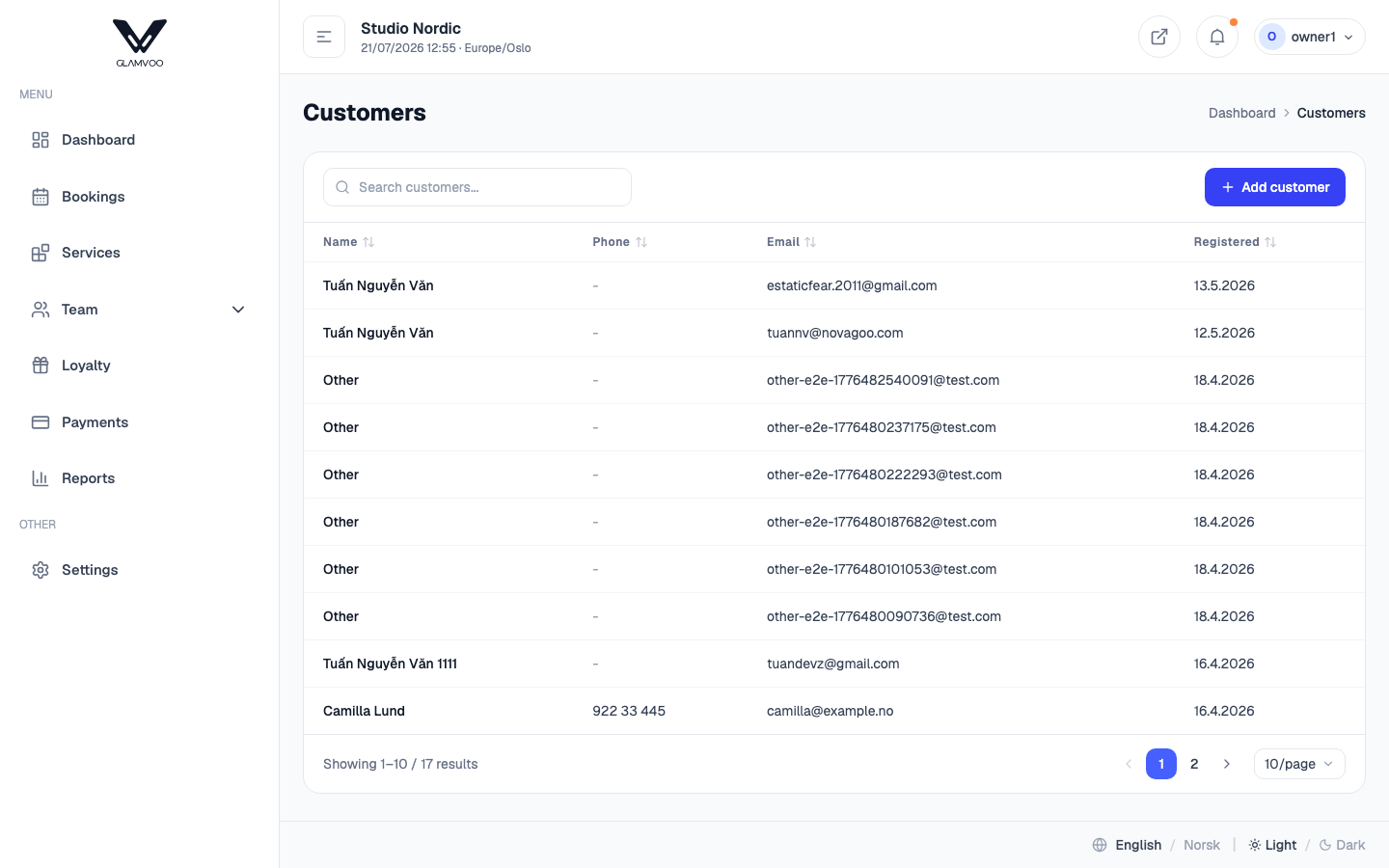
How customers get added
- Automatically — when someone books online for the first time, they're added to your list.
- By you — select Add customer to create one yourself (handy for a walk-in or a phone booking). Enter their name, phone, email and any notes.
Find and edit
Use the search box to find a customer by name, phone or email. Open any customer to edit their details or add notes — for example a preference, an allergy, or anything worth remembering for next time.
Removing a customer
If you remove a customer, they disappear from your list, search and pickers — but their past bookings stay intact. That's deliberate: your history and accounting need to stay complete and correct, even for someone who's no longer on your active list.
Customer notes are a small thing that makes a big difference — a quick line about how someone likes their coffee or their fringe turns a booking into a warm welcome.
Next: Loyalty & stamp cards →