Create your account & sign in
Your journey starts with an owner account. Creating one automatically sets up your salon and starts a free trial — no credit card needed to begin.
Create your salon (owners)
- Go to the sign-up page and choose Create account.
- Enter your business name, your email, a phone number and a password.
- Submit the form.
That's it — your salon is created behind the scenes, along with a free trial so you can explore everything before subscribing. The first time you sign in you'll be taken straight into the setup wizard (see Set up your salon).
You only create one owner account per salon this way. Your team members don't sign up themselves — you invite them from inside the salon (see Team & staff).
Sign in
Once you have an account, open the admin area in your browser and sign in with your email and password.
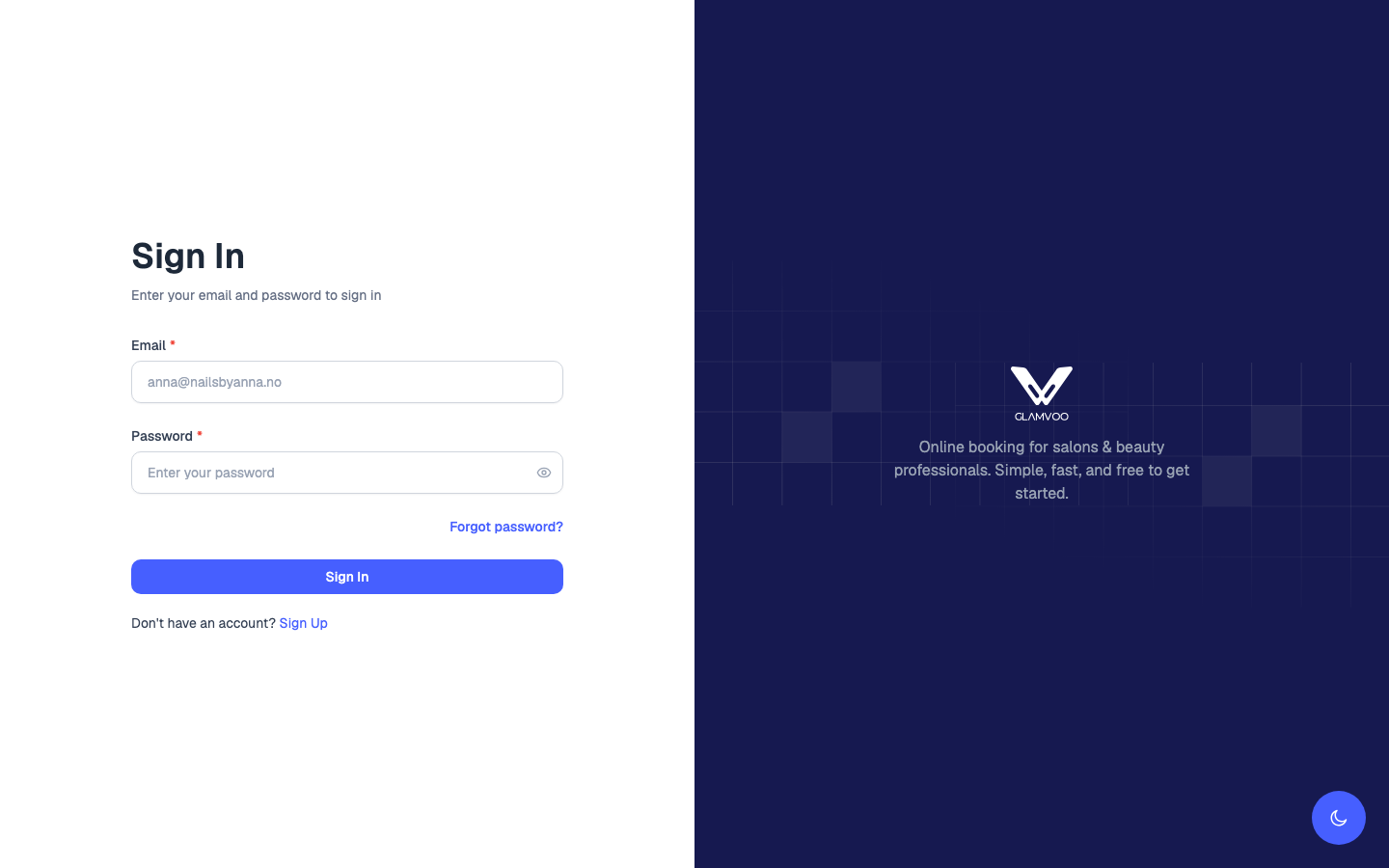
After signing in:
- If your salon setup isn't finished yet, you'll land in the setup wizard.
- Otherwise you'll go straight to your dashboard.
Forgot your password?
On the sign-in screen, choose Forgot password?, enter your email, and we'll send you a link to set a new one. Open the link, choose a new password, and sign in again.
Staff sign-in
Staff use the same sign-in screen, but they don't create their own account. When you invite a team member, they receive an email invitation. They accept it, set their own password, and can then sign in — on the web or in the mobile app. Full details are in Team & staff.
Next: Set up your salon →