Install & sign in
Salon Booking has a mobile app for iPhone and Android, so you and your team can run the salon from your phones — take payments, check customers in and manage the day without being tied to a computer.
Install the app
Install Salon Booking on your phone from your device's app store. Once it's installed, open it and you'll be asked to sign in.
Sign in
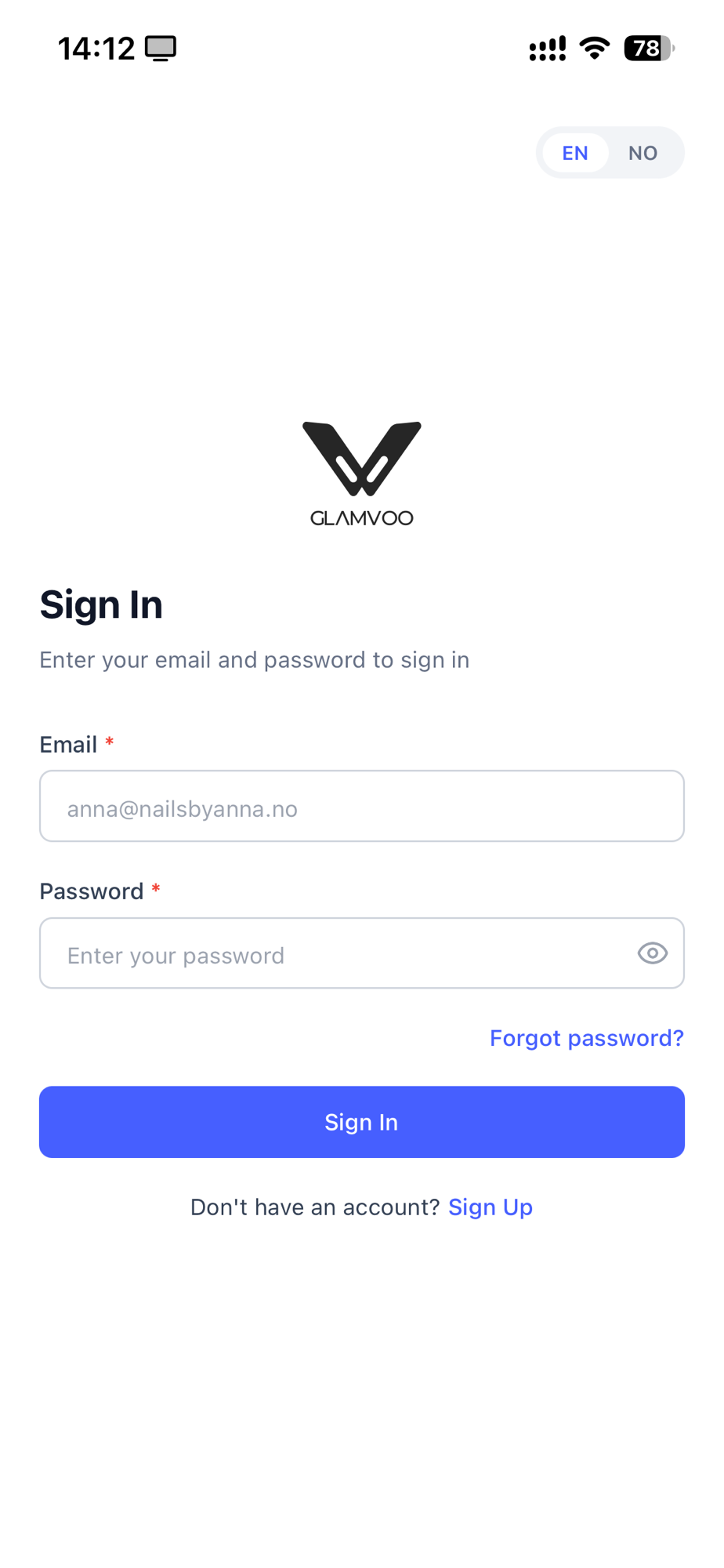
- Owners sign in with the same email and password they use for the admin area on the web. Everything's the same account — no separate setup.
- Staff sign in with the account they created from their email invitation. If you haven't had an invitation yet, ask your salon owner to send one (see Team & staff).
Forgot your password? Use the reset option on the sign-in screen and follow the emailed link.
First time in
The first time you sign in, you'll land on the dashboard. From there, the bar along the bottom takes you everywhere you need — the calendar, new bookings, and more. Exactly which buttons you see depends on whether you're an owner or a staff member — that's covered next.
New salons should finish their initial setup on a computer first (see Set up your salon). Once your salon is up and running, the app is the fastest way to work day to day.