Time off
Time off covers holidays, sick days and any other planned absence. When time off is booked for someone, the calendar stops offering their slots for those dates — so you won't take a booking you can't honour.
For staff: request time off
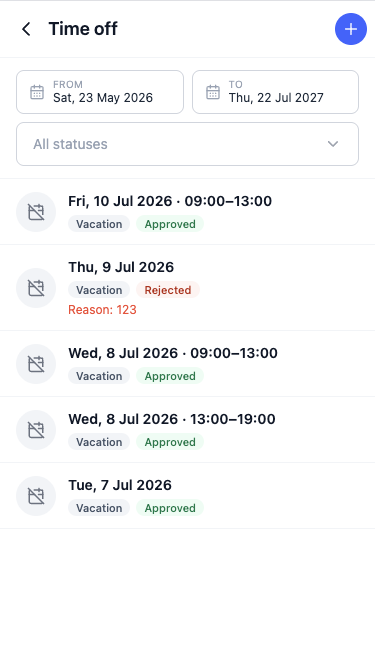
A team member asks for time off from their own account — most easily in the mobile app.
- Select Request time off.
- Choose the dates and the type (for example holiday or sick).
- Submit.
The request then waits for the owner's approval, and the staff member can track its status: Pending, Approved or Rejected.
For owners: approve or reject
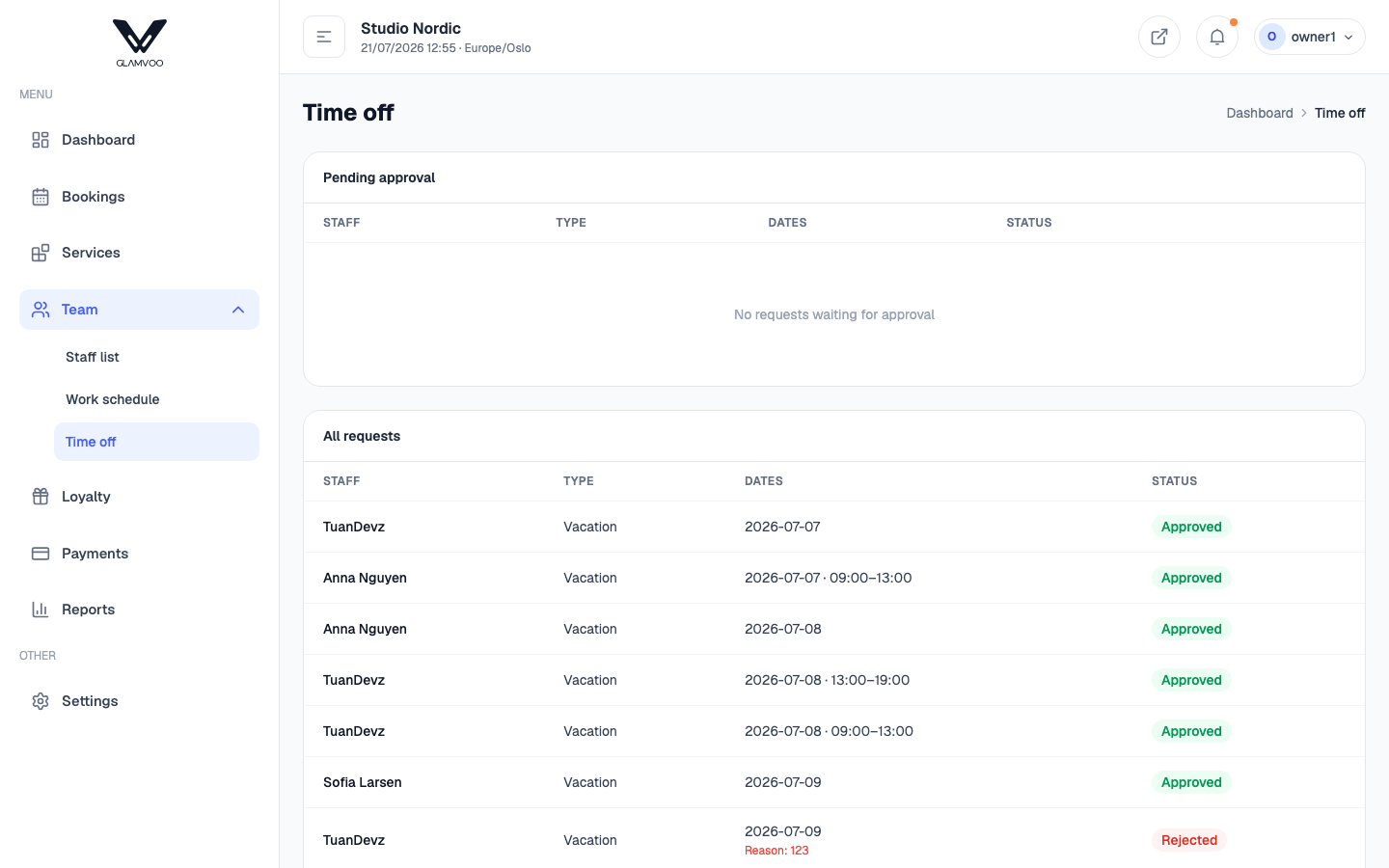
As the owner you see incoming requests under Pending approval.
- Approve — the time off is confirmed and those dates are blocked on the calendar, so nobody can be booked in.
- Reject — the request is declined; nothing changes on the calendar.
You can review all requests, past and present, in one list.
Whether requests need your approval before they take effect is something you can control in Settings — some salons prefer approved-only, others let time off apply straight away.
Next: Customers →