Reports
The revenue report turns your day-to-day bookings into the numbers you need for running the business and doing your taxes — how much you took, how it breaks down, and how much VAT is in it.
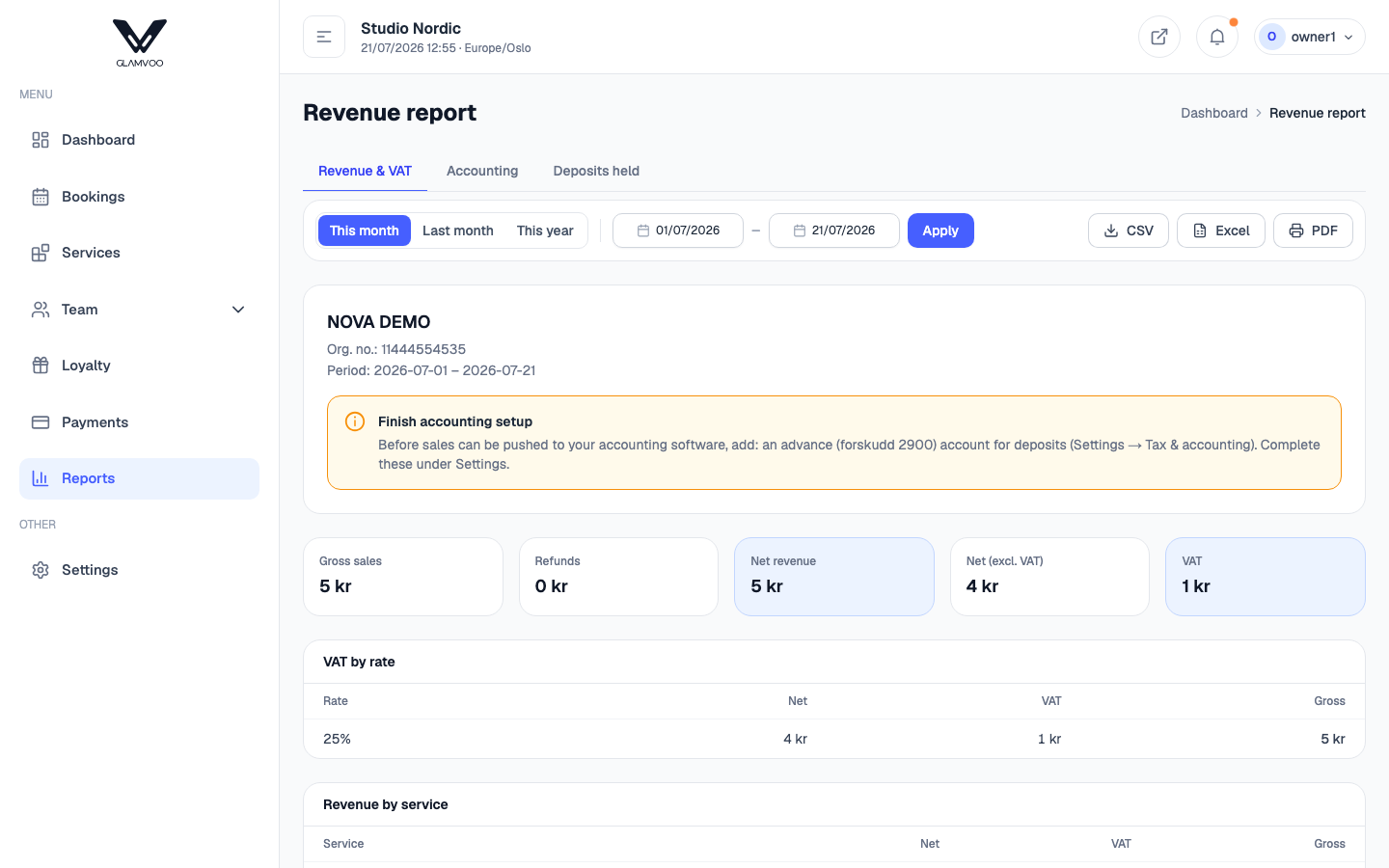
Choose a period
Pick the period you want to look at — a day, a week, a month, whatever you need. Everything on the report updates to that range, and your organisation number is shown so the figures are ready for your bookkeeping.
What the report shows
- VAT by rate — your income split by tax rate, with the net, VAT and gross amounts for each. This is the part your accountant will thank you for. Retail goods usually sit at a different rate from services, and each lands in its own row here.
- Revenue by service — which treatments are bringing in the money. Retail products appear here too, one row each, so you can see what sells across the counter.
- Revenue by staff — how much each team member generated.
- Revenue by payment method — how customers paid (cash, card, and so on).
Using it
These breakdowns help you both stay compliant and run smarter — spot your best-selling services, see who's busy, and hand clean VAT figures to your accountant at period end. You can take the totals straight into your bookkeeping, or connect your accounting software so it flows automatically (see Settings).
Next: Settings →