QR check-in
When a customer arrives, you can check them in by scanning the QR code on their booking — a fast way to pull up the right appointment without searching for it.
QR check-in is a mobile app feature, made for the counter. Have the app installed on your phone or tablet — see Install & sign in.
How it works
Every booking has its own QR code, which the customer gets on their booking confirmation (on their phone or printed). When they arrive:
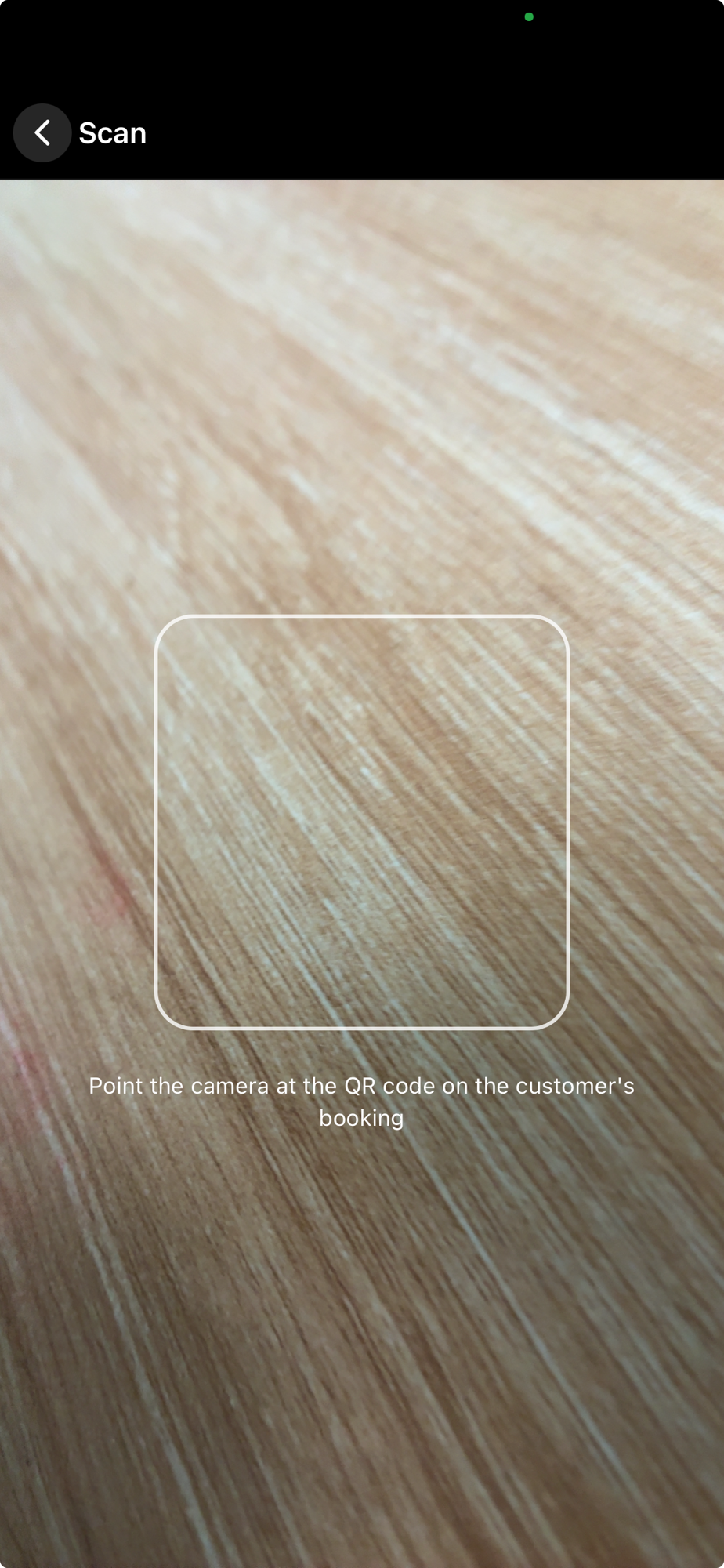
- In the app, tap the scan button in the top bar, next to the notifications bell.
- Point the camera at the customer's booking QR code.
- The app opens that exact booking.
- Mark the customer Arrived — and you're ready to start.
Good to know
- It's just a shortcut. Scanning finds and opens the booking; it doesn't change anything on its own. You still mark the status yourself, so you stay in control.
- Both owners and staff can scan — it's part of everyday counter work.
- No QR handy? You can always find the booking on the calendar and check the customer in from there.
Next: Walk-ins & self-pick →