Owner vs staff on mobile
The app looks slightly different depending on who's signed in. Everyone gets the same easy layout — a bar of buttons along the bottom and a menu for everything else — but the buttons are tuned to what each role does most.
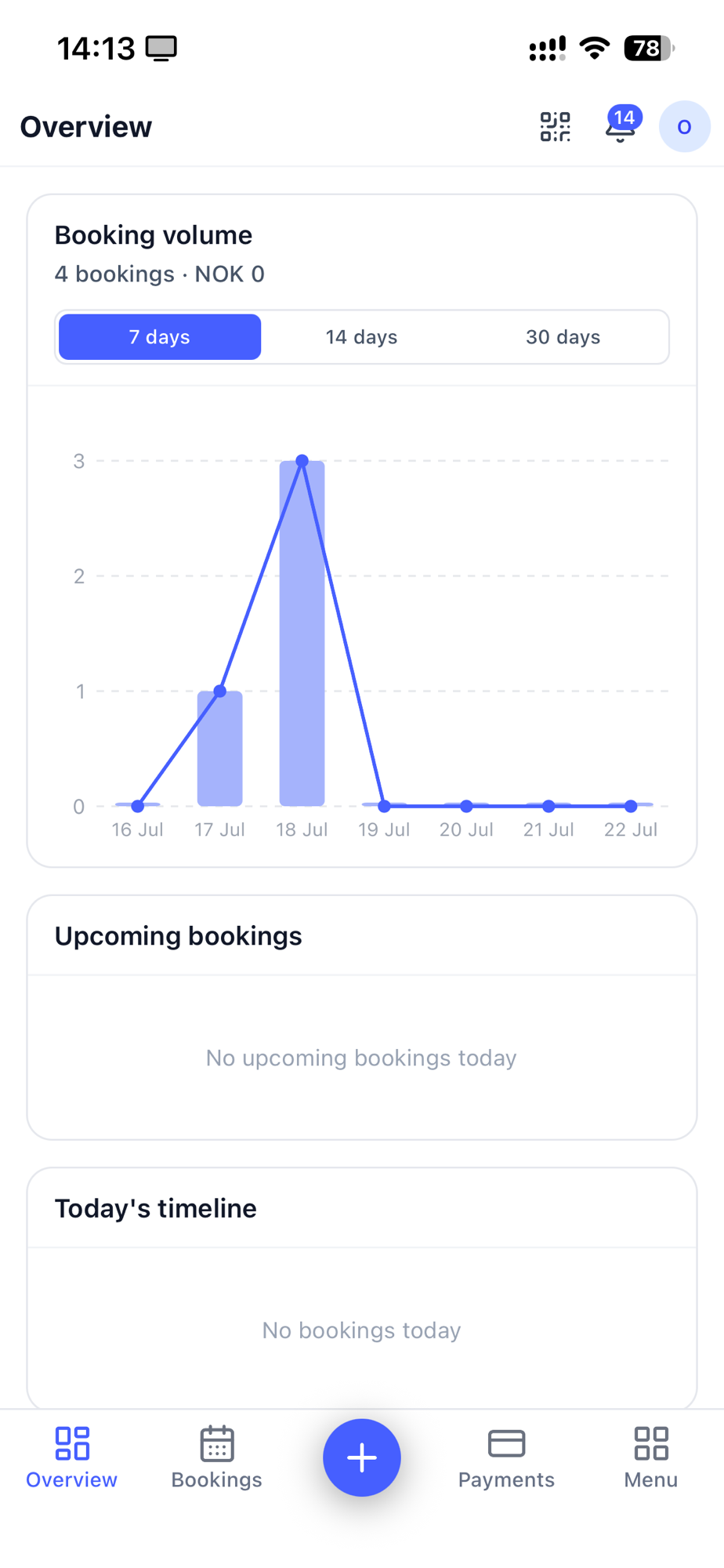
The bottom bar
Both owners and staff share the first two buttons and the middle +:
- Dashboard — your day at a glance.
- Bookings — the calendar.
- + (middle) — start a new booking.
- Menu — everything else.
The fourth button is where they differ:
Owners get Payments — quick access to the money side.
Staff get Jobs — the unassigned work they can pick up.
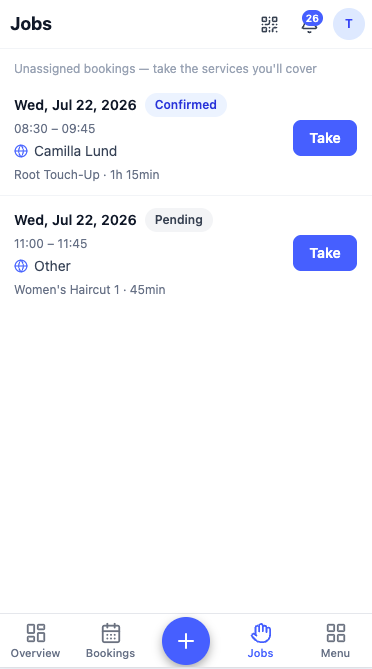
Scanning and notifications
At the top of the screen, next to the notifications bell, is the scan button — tap it to check a customer in by QR. It's in the same place for everyone.
The menu
The Menu button holds everything that isn't an everyday tap. Here the two roles differ most:
- Owners find services, products, loyalty, team, schedules, reports and settings — the full toolkit for running the salon.
- Staff get a shorter menu focused on their work, like loyalty and time off.
This mirrors the web: owners manage the business, staff focus on the day. See What staff can do for the full picture.
Next: Web vs mobile →